
The Terminal,
Reimagined.
Kuulto is built by a developer, for developers and creators. A Swift-native terminal that bridges classic CLI power with an intuitive modern interface.
We never access your AI conversations or the files processed by AI. Your data stays on your machine — always.

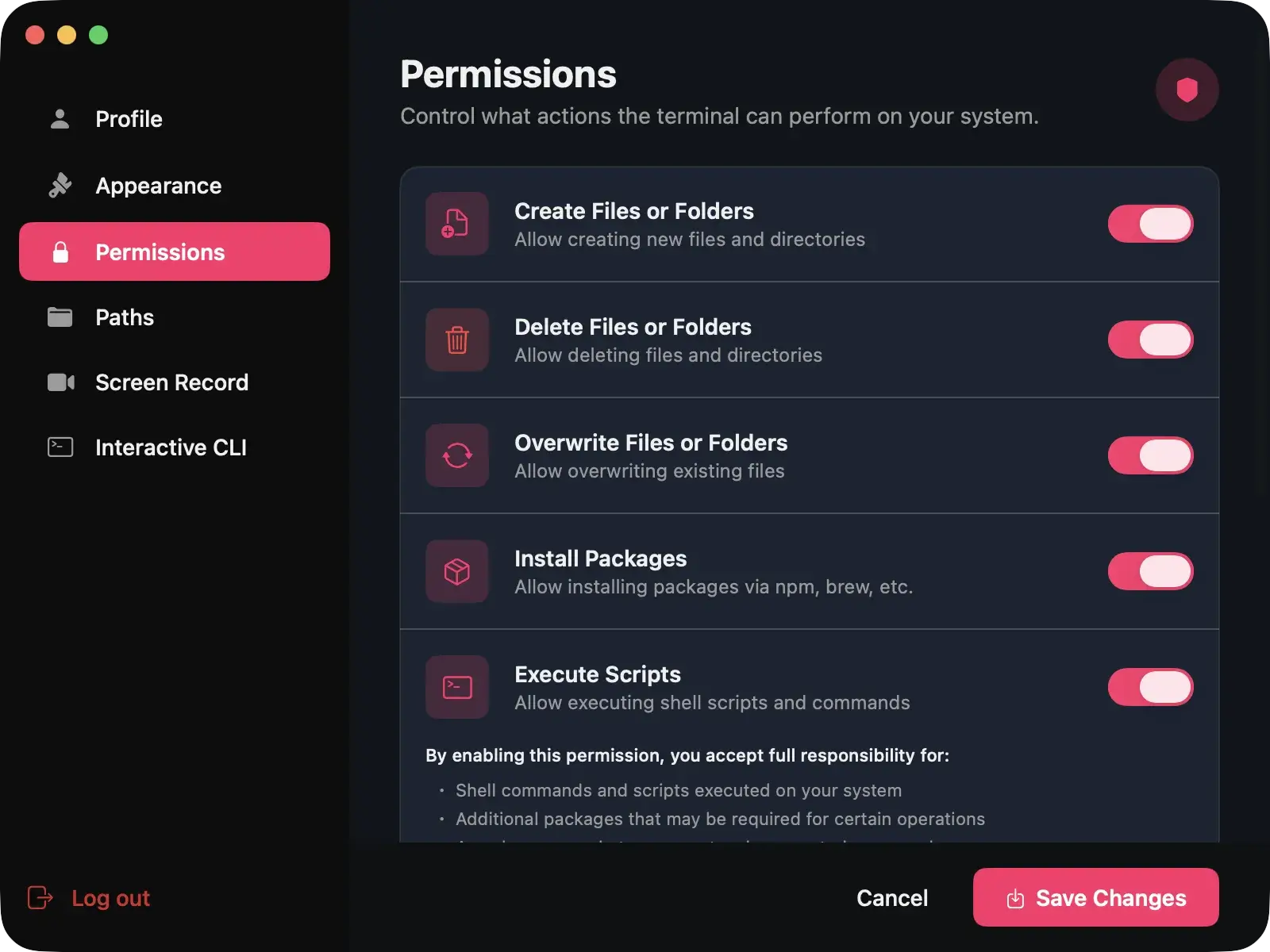
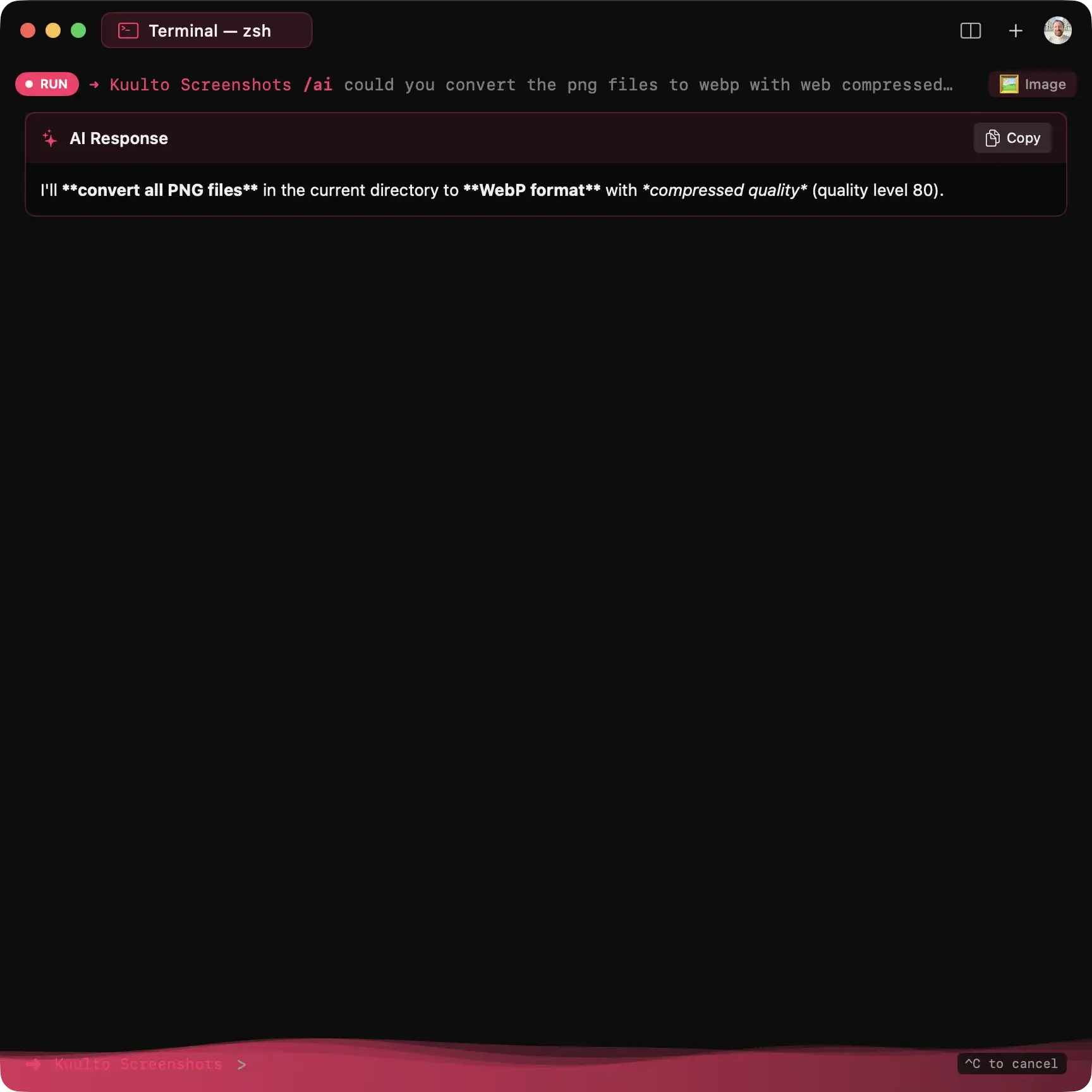
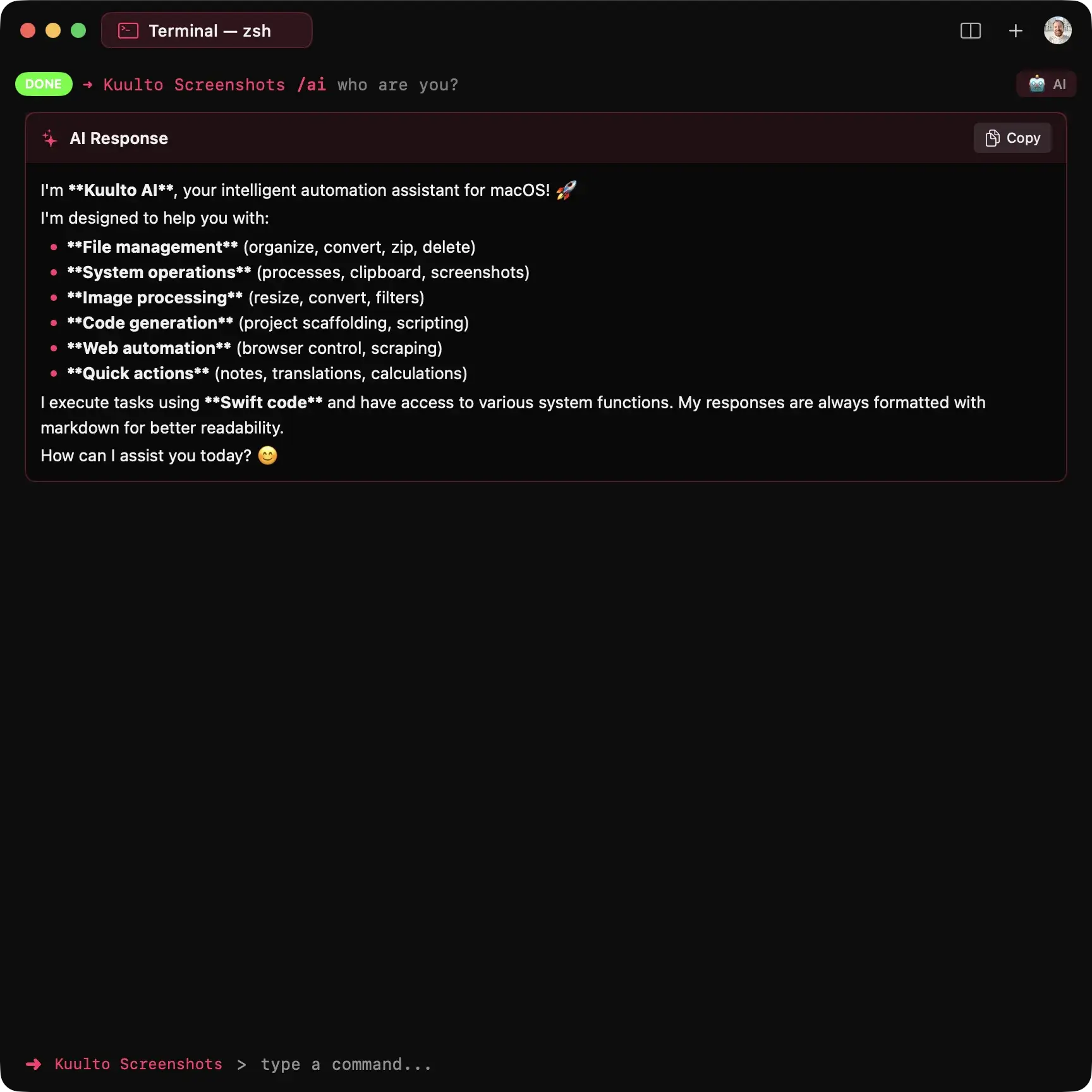
Your Files. Your Rules.
100% Local & Free.
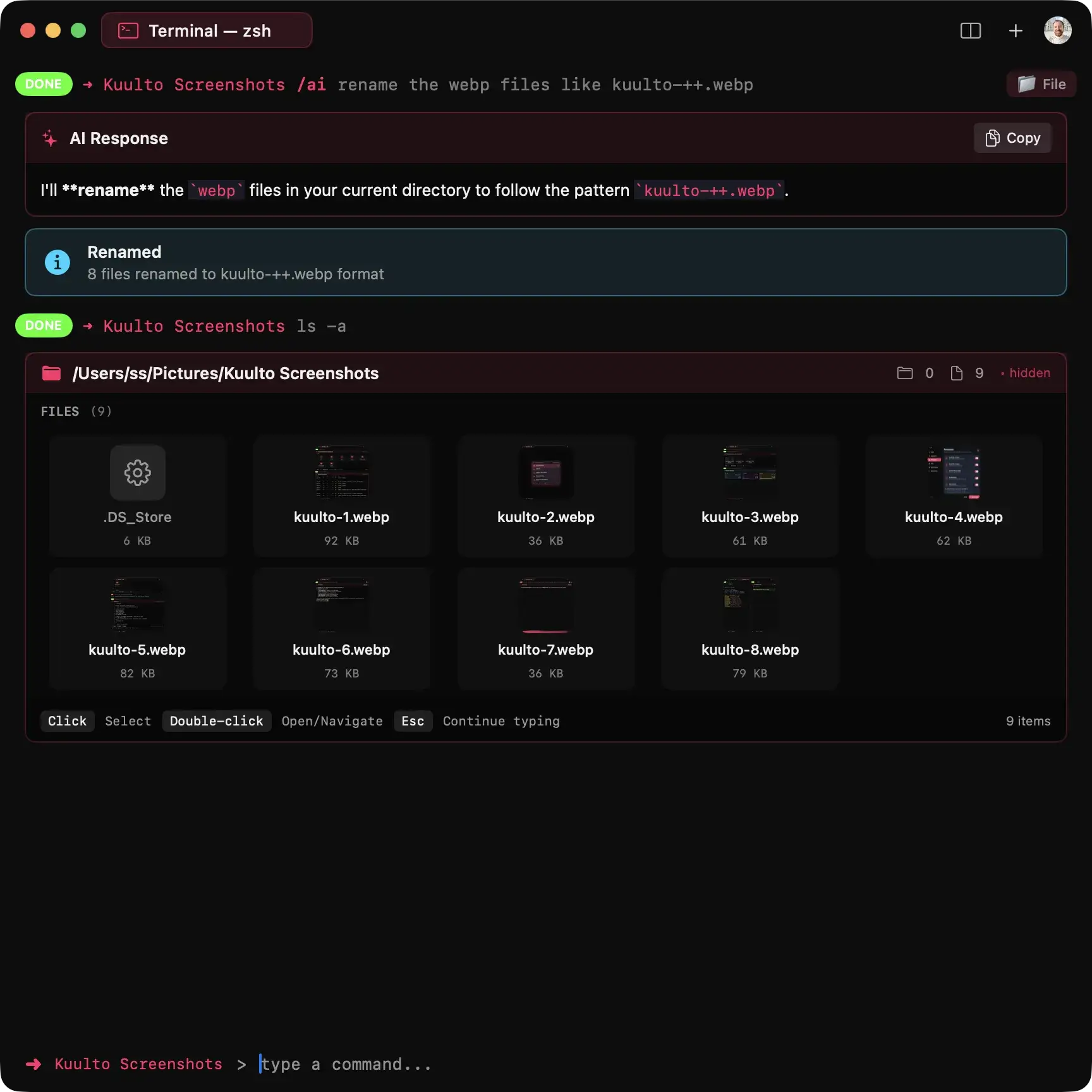
Want to organize your Desktop or folders? From image format conversion to quality optimization, video compression to instant screenshots — do it all reliably with /ai. Your files never leave your machine. Everything runs locally. Completely free.
"This is my favorite feature as a photographer" — Selcuk
Brew Store.
Beautifully Managed.
Navigate, browse, install, and uninstall Homebrew packages with a stunning visual interface. View package details, check dependencies, and manage your entire Brew ecosystem — all without memorizing commands.
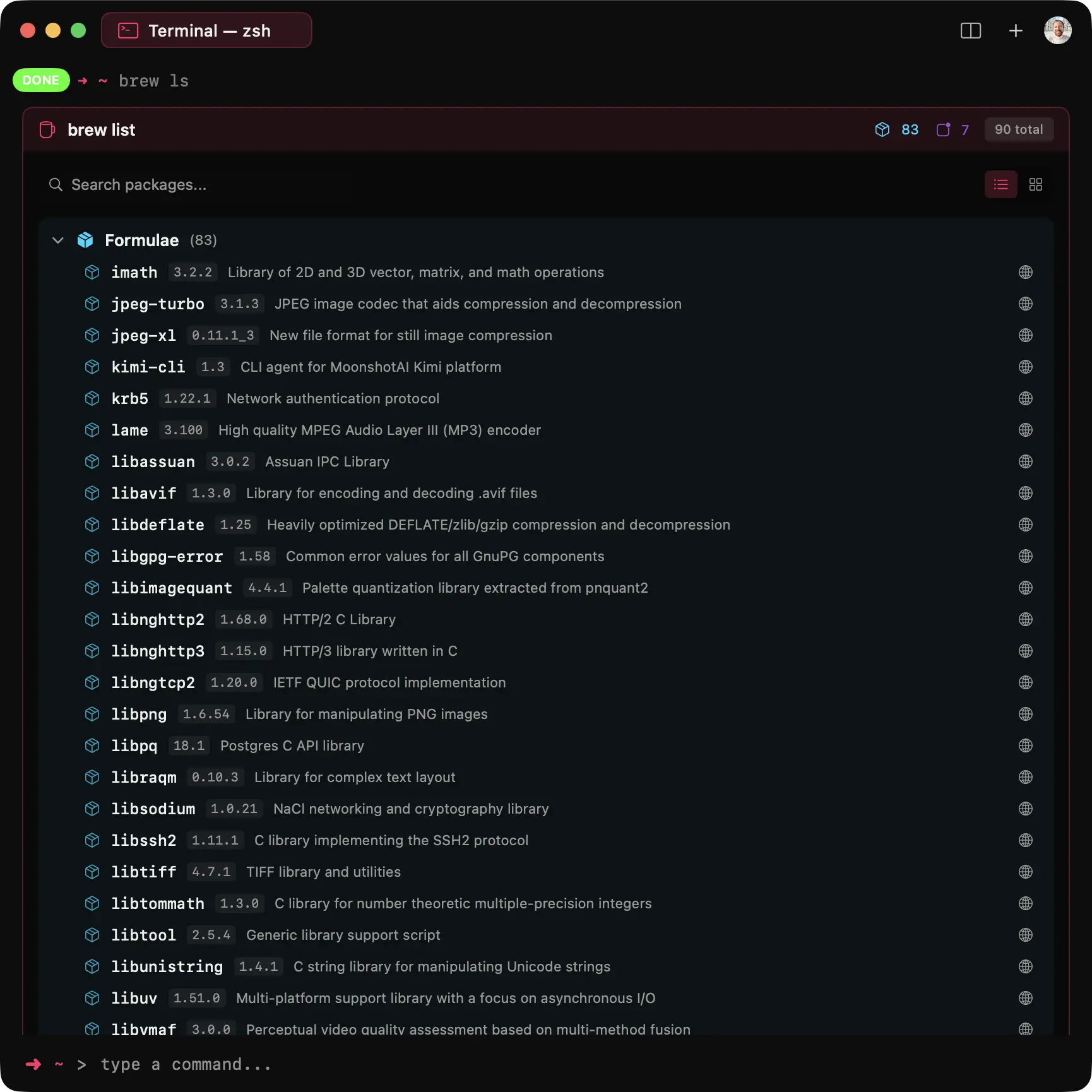
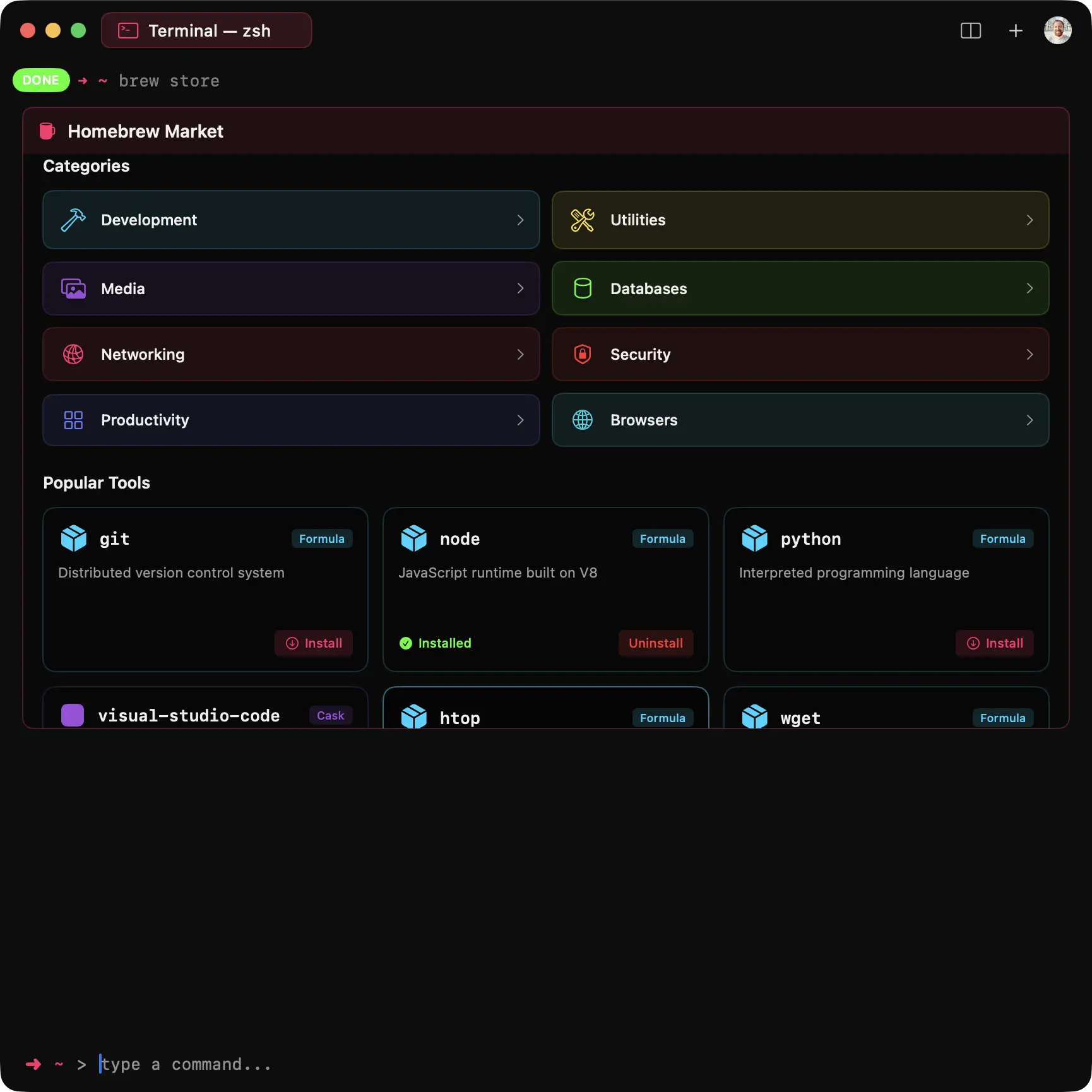
Custom Screens for Everything.
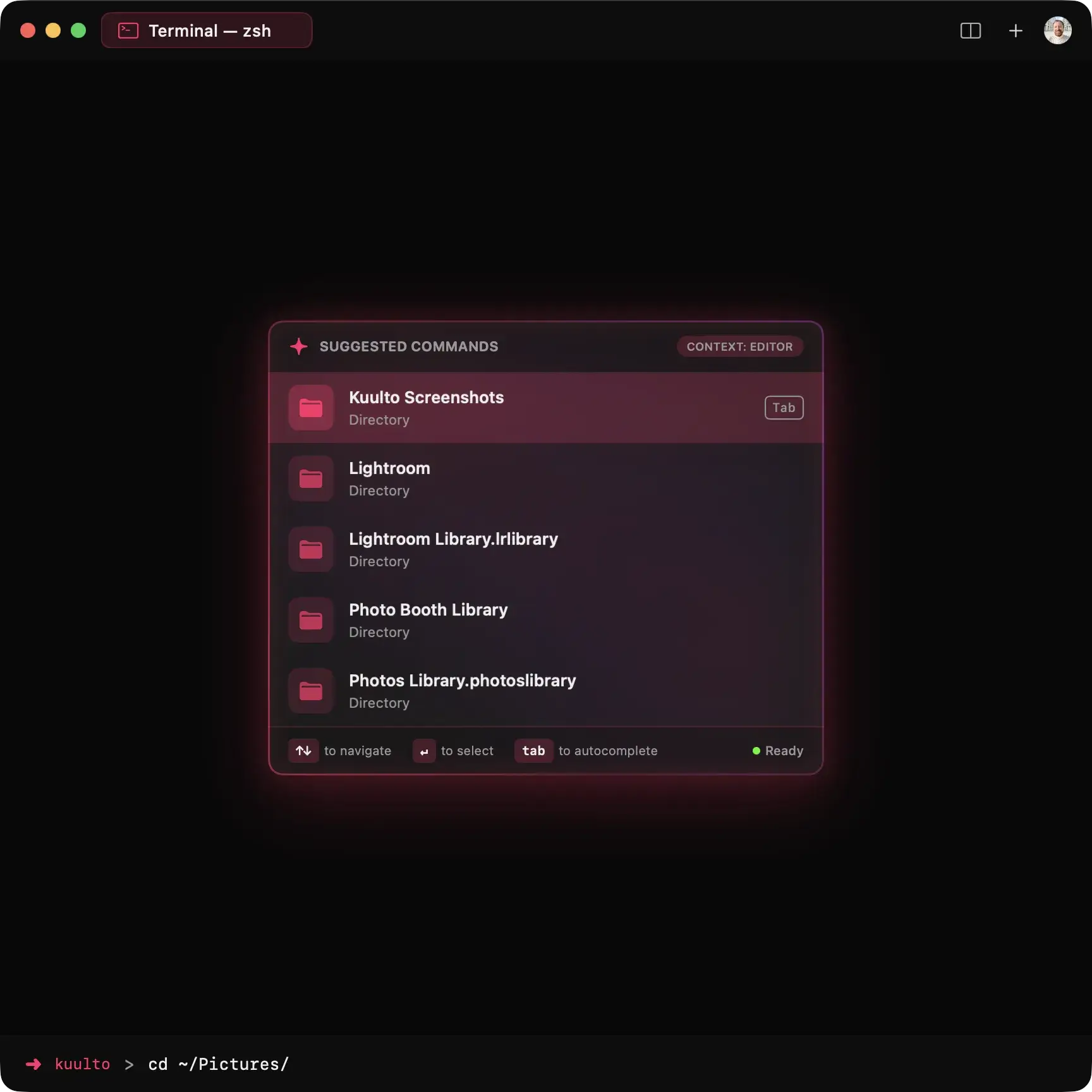
From interactive file browsers to visual Git management, from system monitoring dashboards to image previews — every feature has a beautifully designed, purpose-built interface that makes complex tasks feel effortless.
Split Screen.
A Multi-Tasker's Dream.
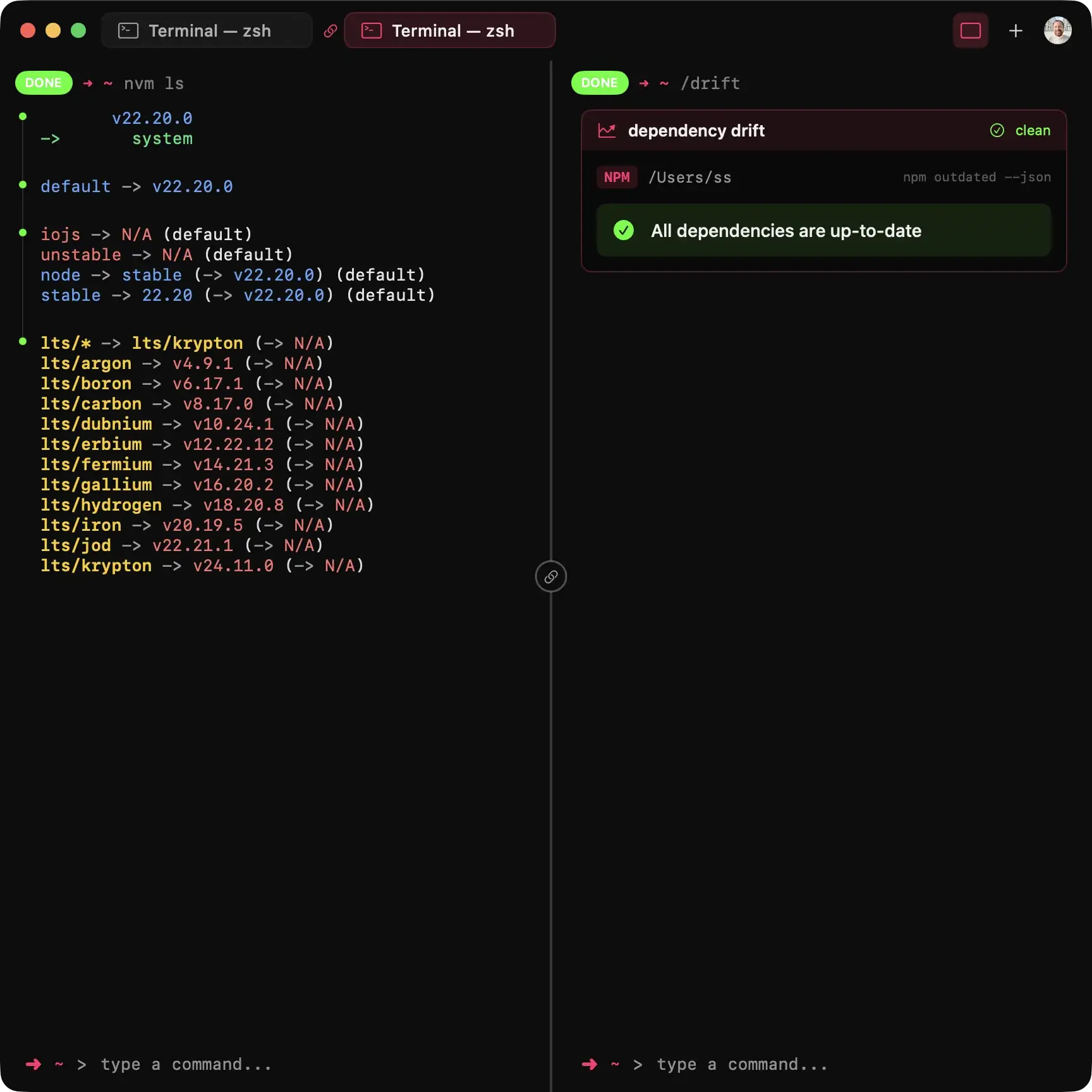
Work on multiple tasks at once within the same window. Run your server on one side and manage your Git workflow on the other. Open side-by-side terminals with a single shortcut: press Ctrl + S. No more tab switching, just pure focus.
Intelligent window management included.
Know Your Workspace.
Get instant insights about your current project. See all TODO and FIXME comments, track pending tasks, and view your latest Git status — all in one beautiful overview.
Stay Up to Date.
Check for package updates across all your favorite ecosystems with a single command. Swift Package Manager, npm, uv, pip, Python — all unified in one beautiful interface.
Beyond Plain Text.
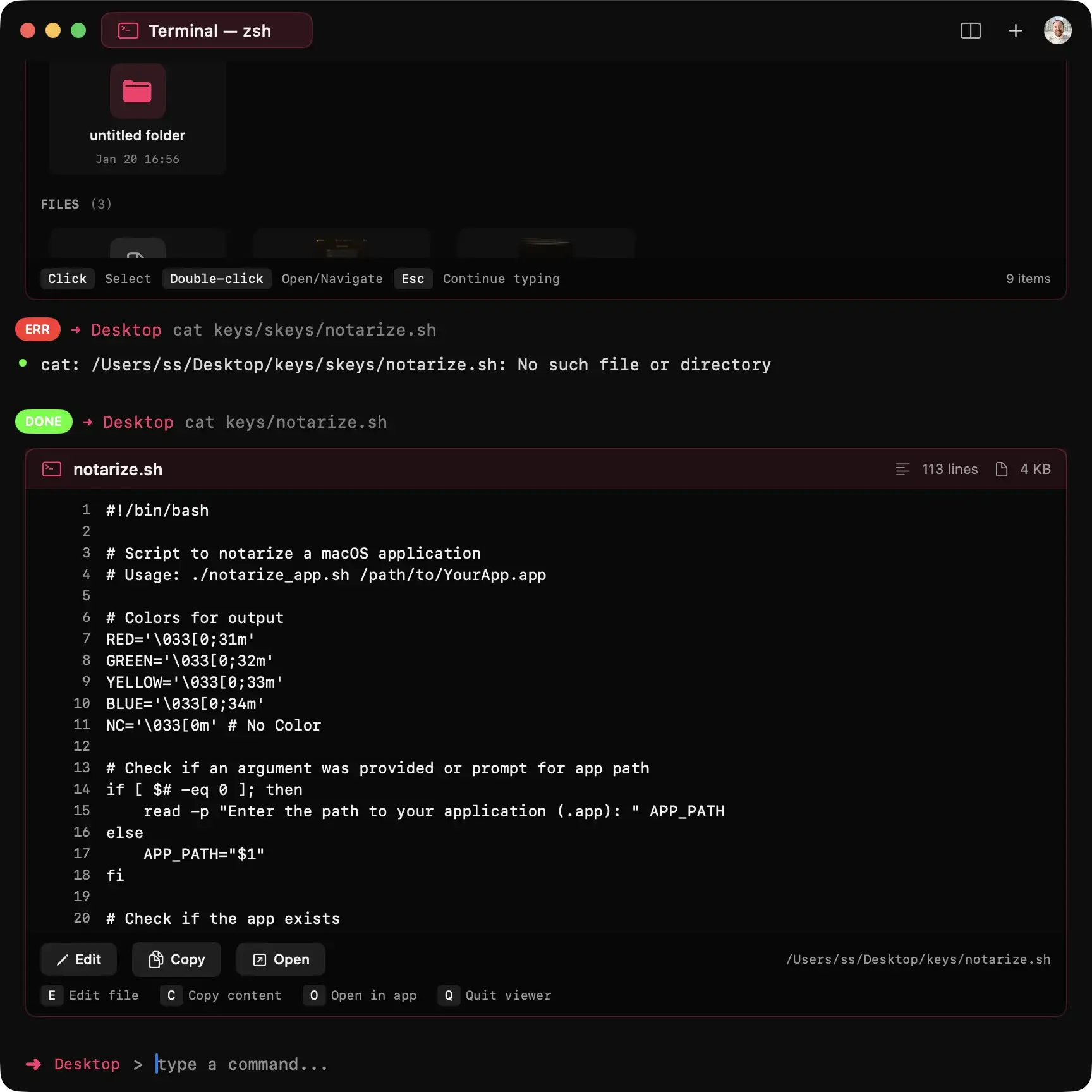
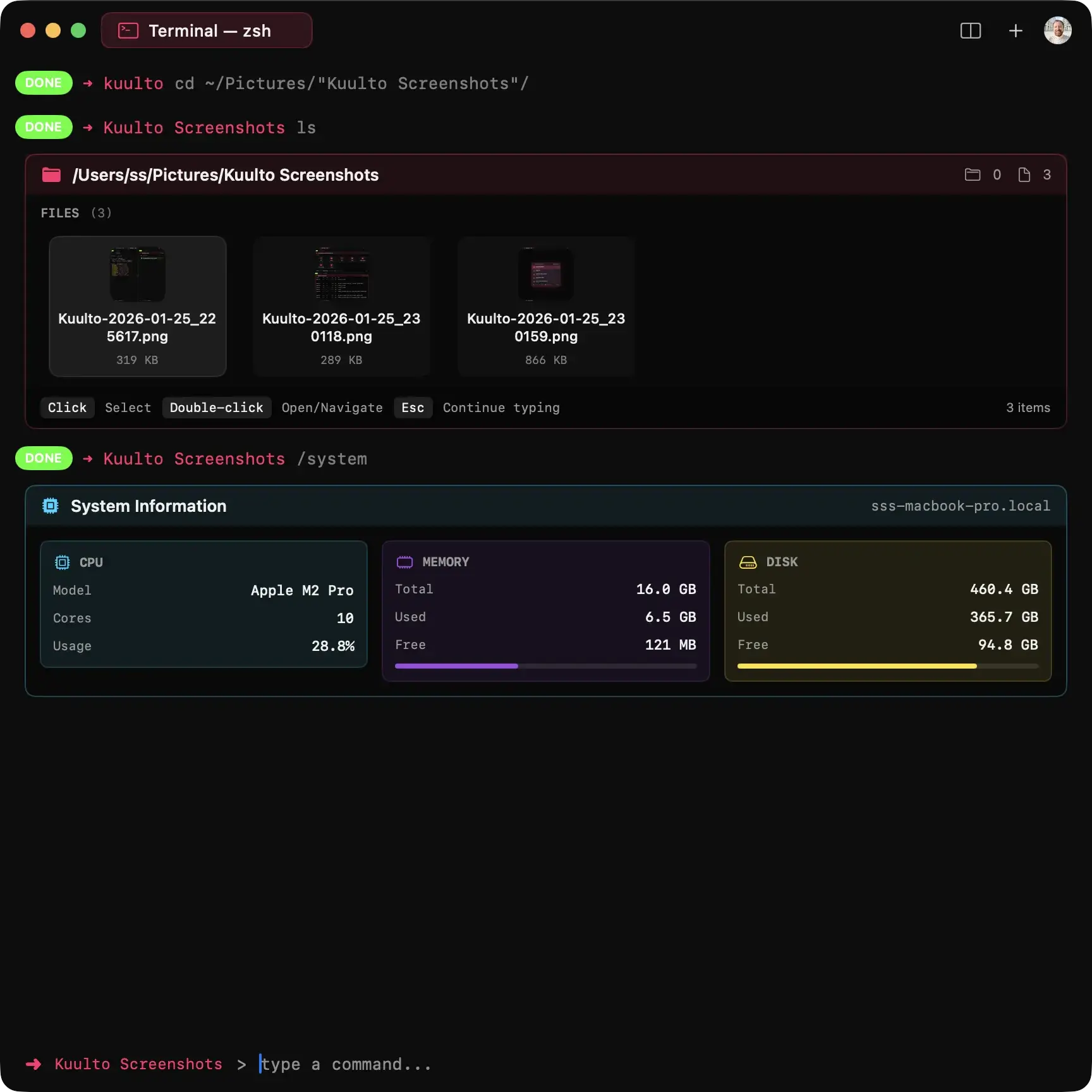
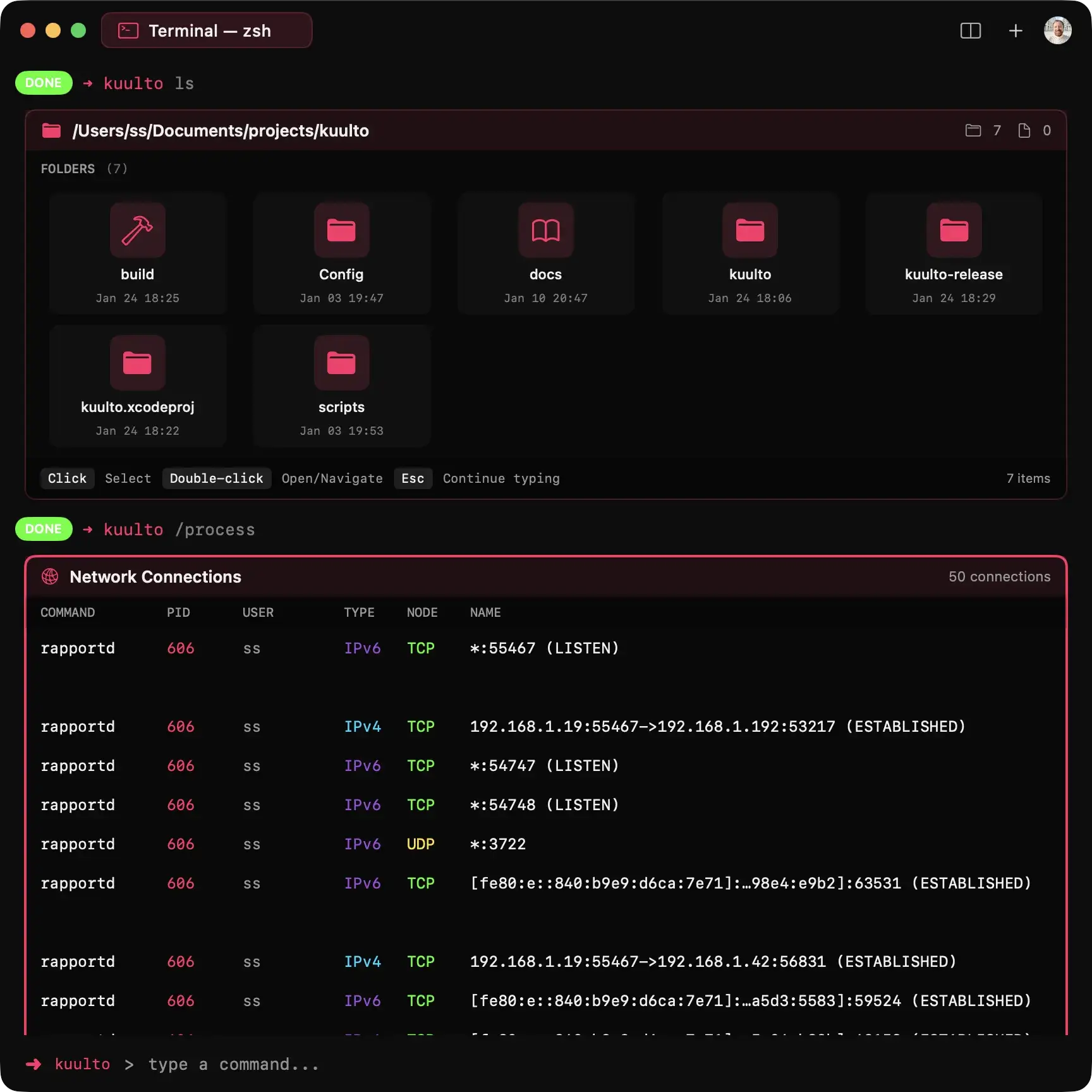
Standard CLI commands, reinvented. Experience powerful UI components for ls, find, grep etc. View PDFs, images, and rich media without ever leaving your flow.
Git, Supercharged.
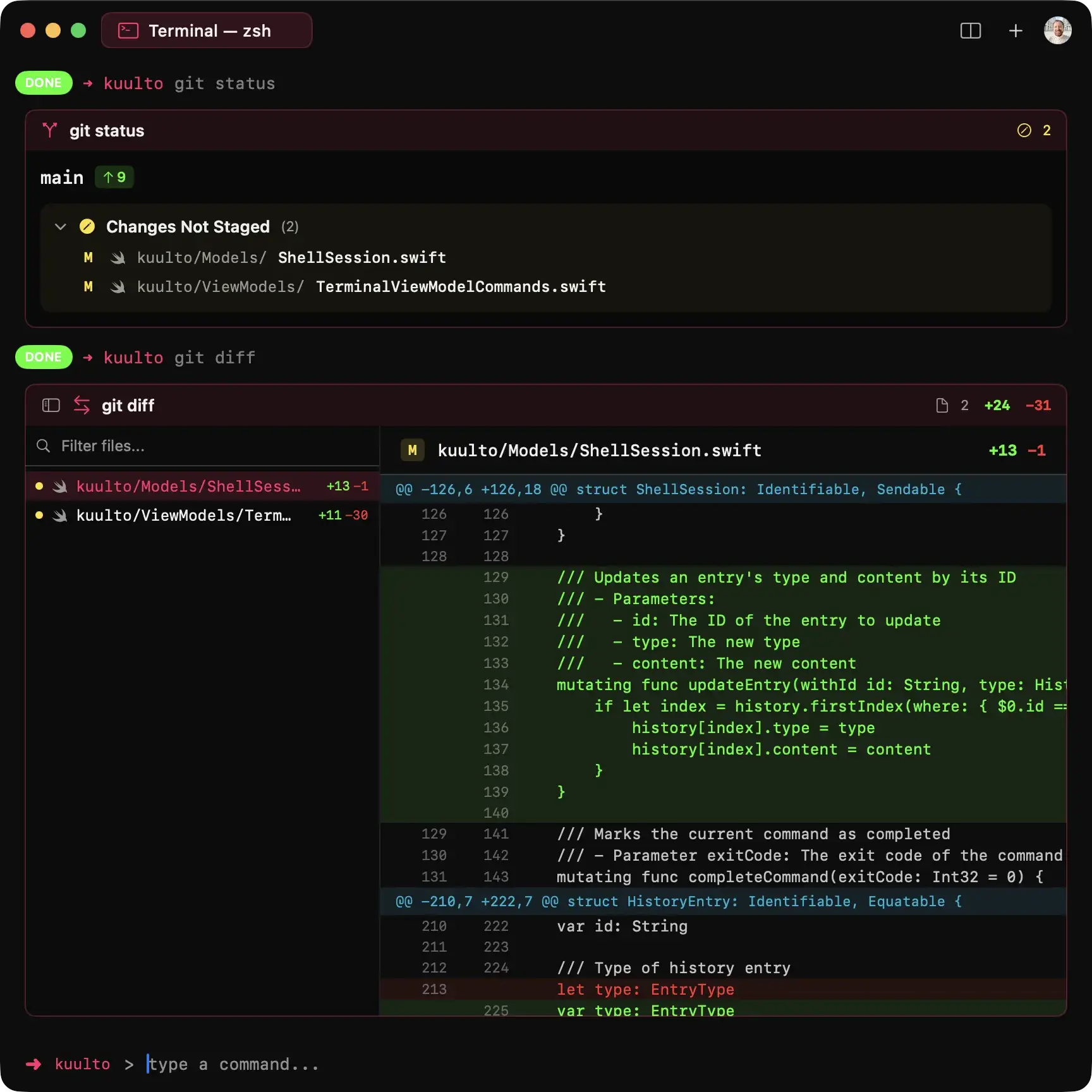
Custom-designed screens for git status, git rebase, and git conflict resolution await you. A Git-first interface built for developers means most git commands work seamlessly inside Kuulto, with AI-powered commit messages and instant code-smell checks.
Many more custom commands await you in the modern terminal.
✨ Smart commit messages are free for a limited time.
Record & Capture in a Flash.
Capture your workflow instantly with keyboard shortcuts. No third-party apps needed.
Screen Recording
Start recording your terminal instantly. Perfect for demos, bug reports, and tutorials.
Quick Screenshot
Capture your terminal window instantly. Share code snippets and outputs with one shortcut.
Secure by Design
Encrypt folders and files in seconds with military-grade security. Your encryption passwords are stored securely in Apple Keychain, so you can decrypt your protected files and folders instantly — anytime, with a single command.
just want to hide folder/files without encryption? Use the flag to hide files without encryption.
No password prompts. Keychain handles it all.
System Insight
Monitor system vital signs and manage running processes with the power of Swift. Full support for zsh, bash, and fish out of the box.
Your Terminal. Your Rules.
Personalize your workspace instantly without restarting. Switch between stunning themes and premium fonts with a single command. Make the terminal truly yours.
What Can /ai Do?
Explore the full power of AI-driven automation. Click each category to see example commands.